How To Find IFSC Code By Branch Name?
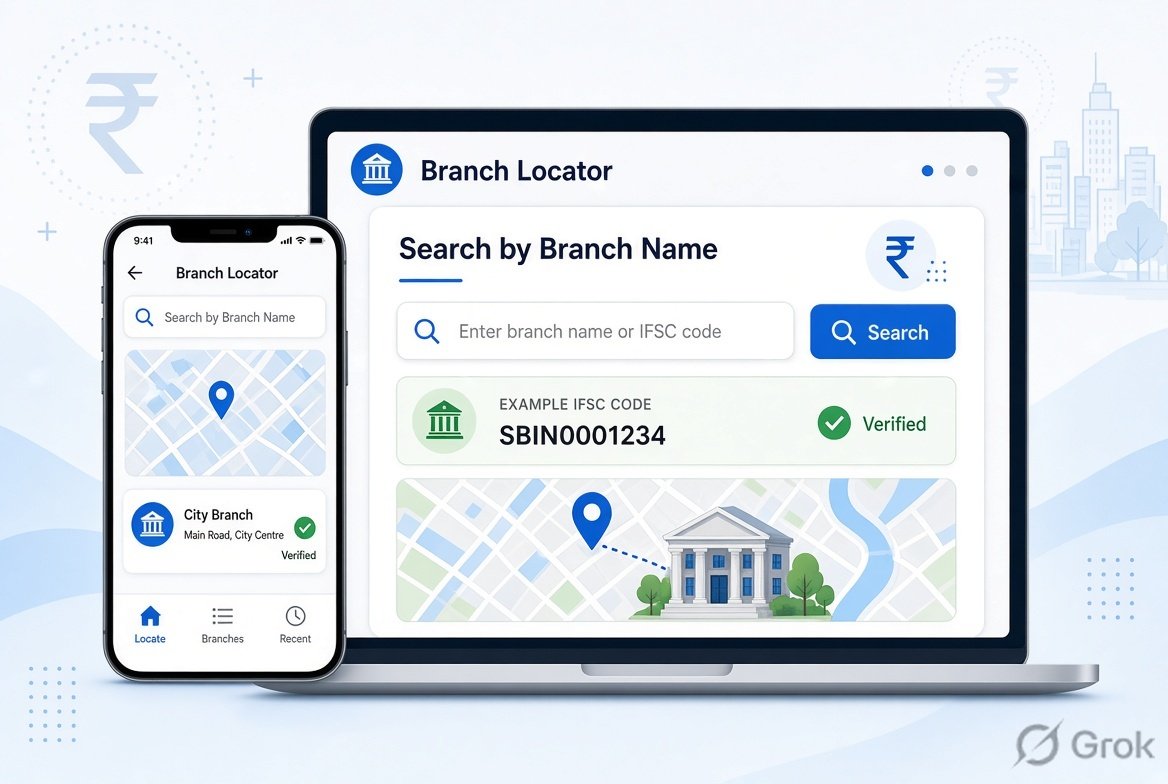
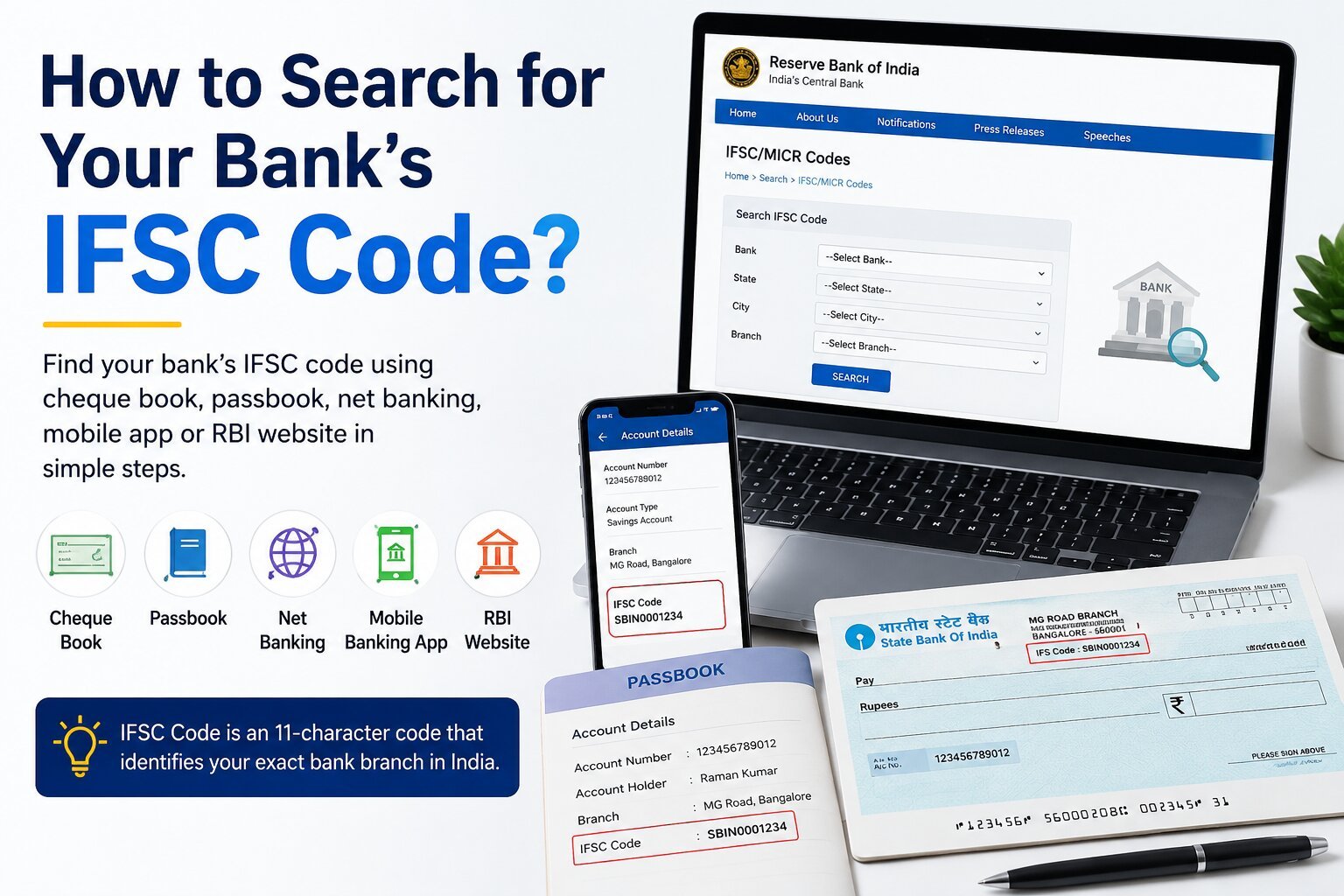
Finding an IFSC code by branch name is easy when you know the bank name, branch name, and city. If you do not have the beneficiary's cheque, passbook, or bank statement, you can search for the branch through the bank's official website or check the Reserve Bank of India's published IFSC information.
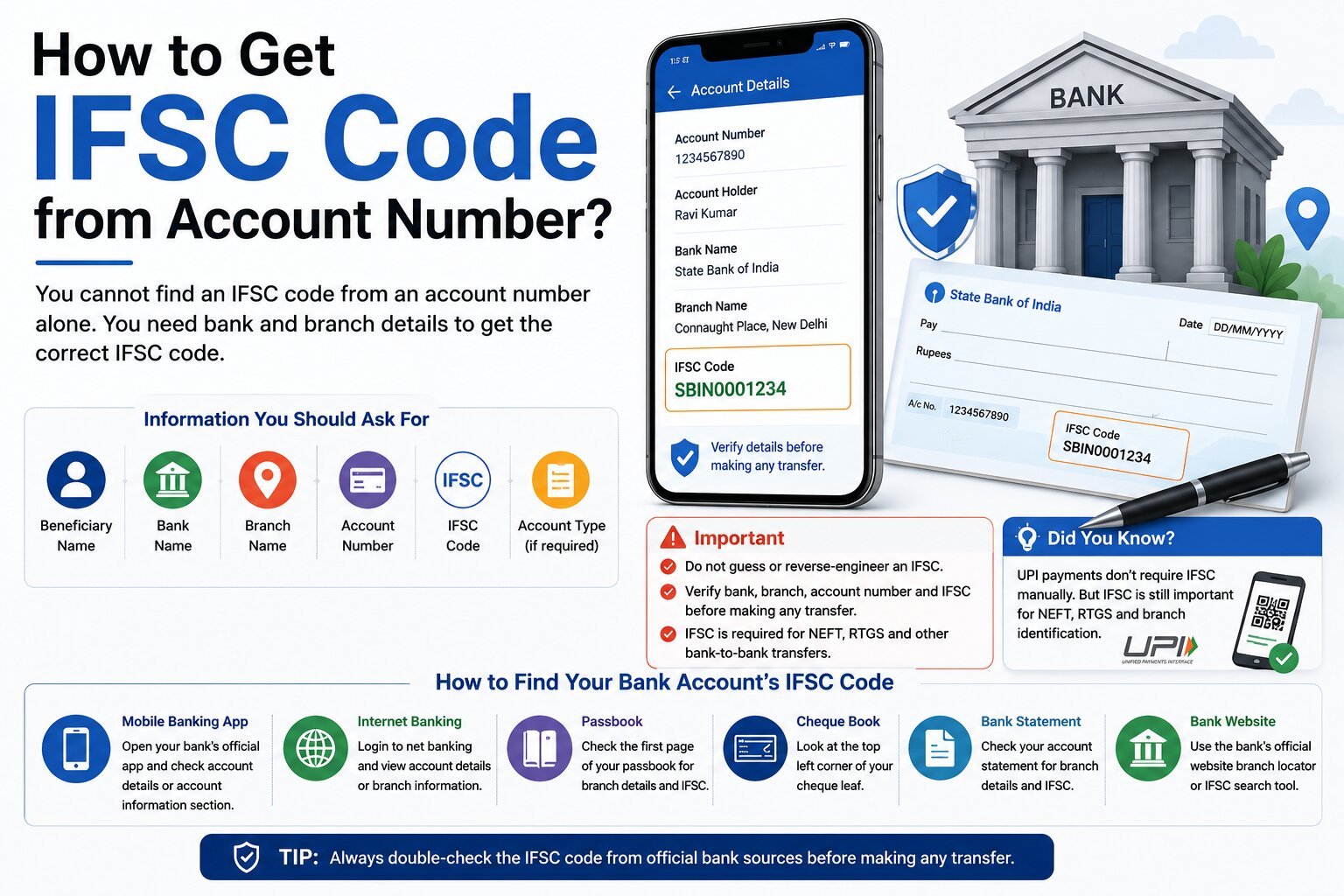
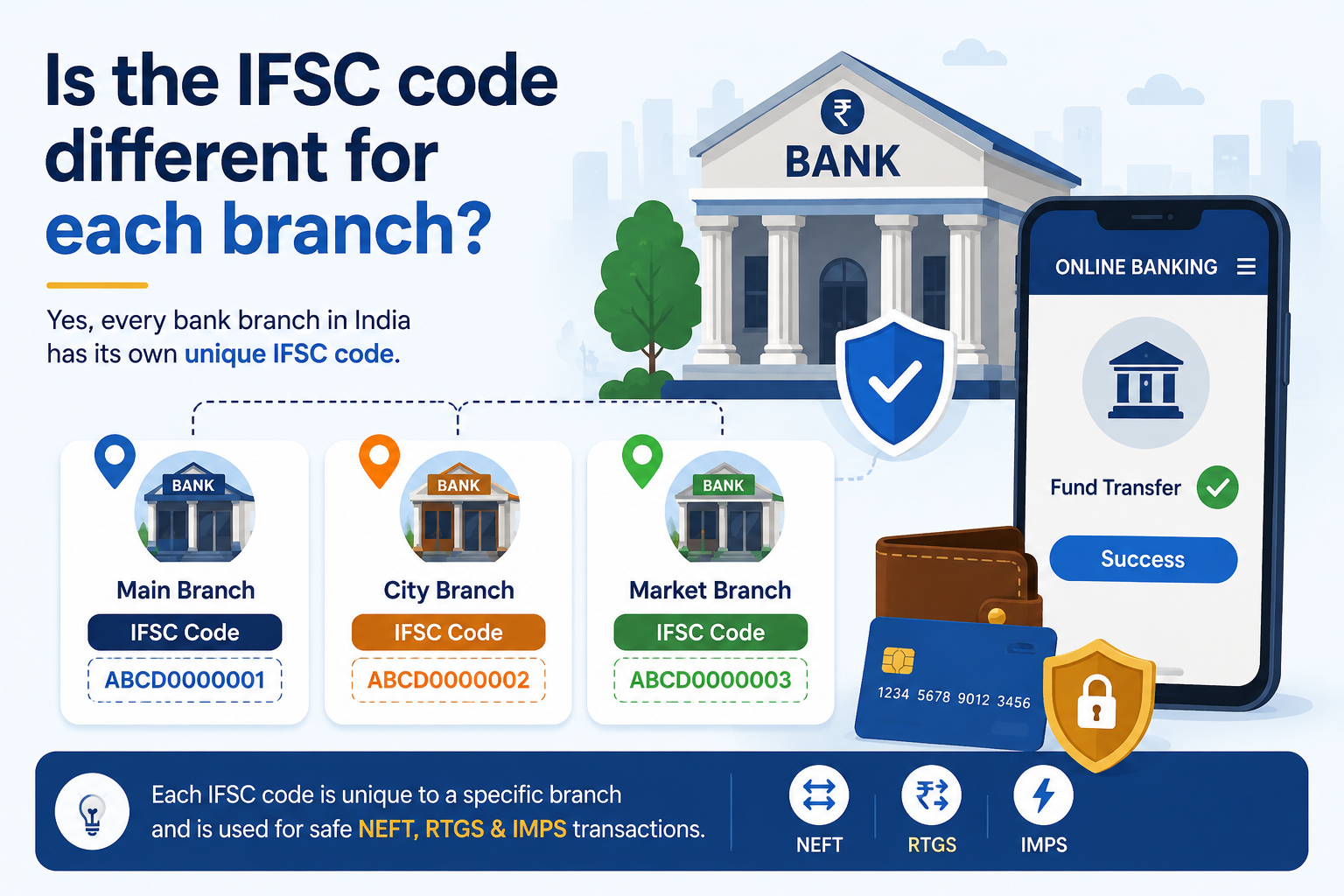
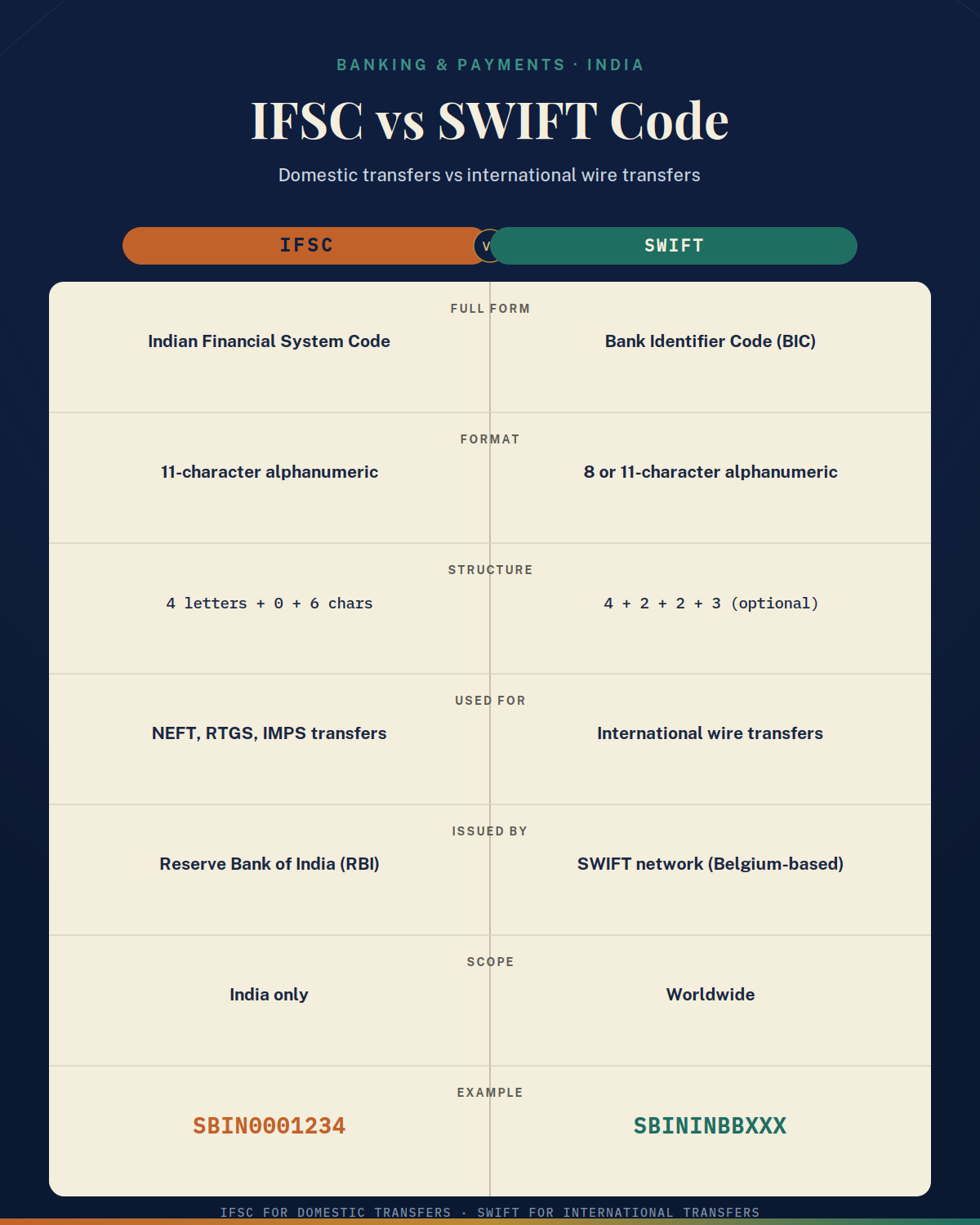
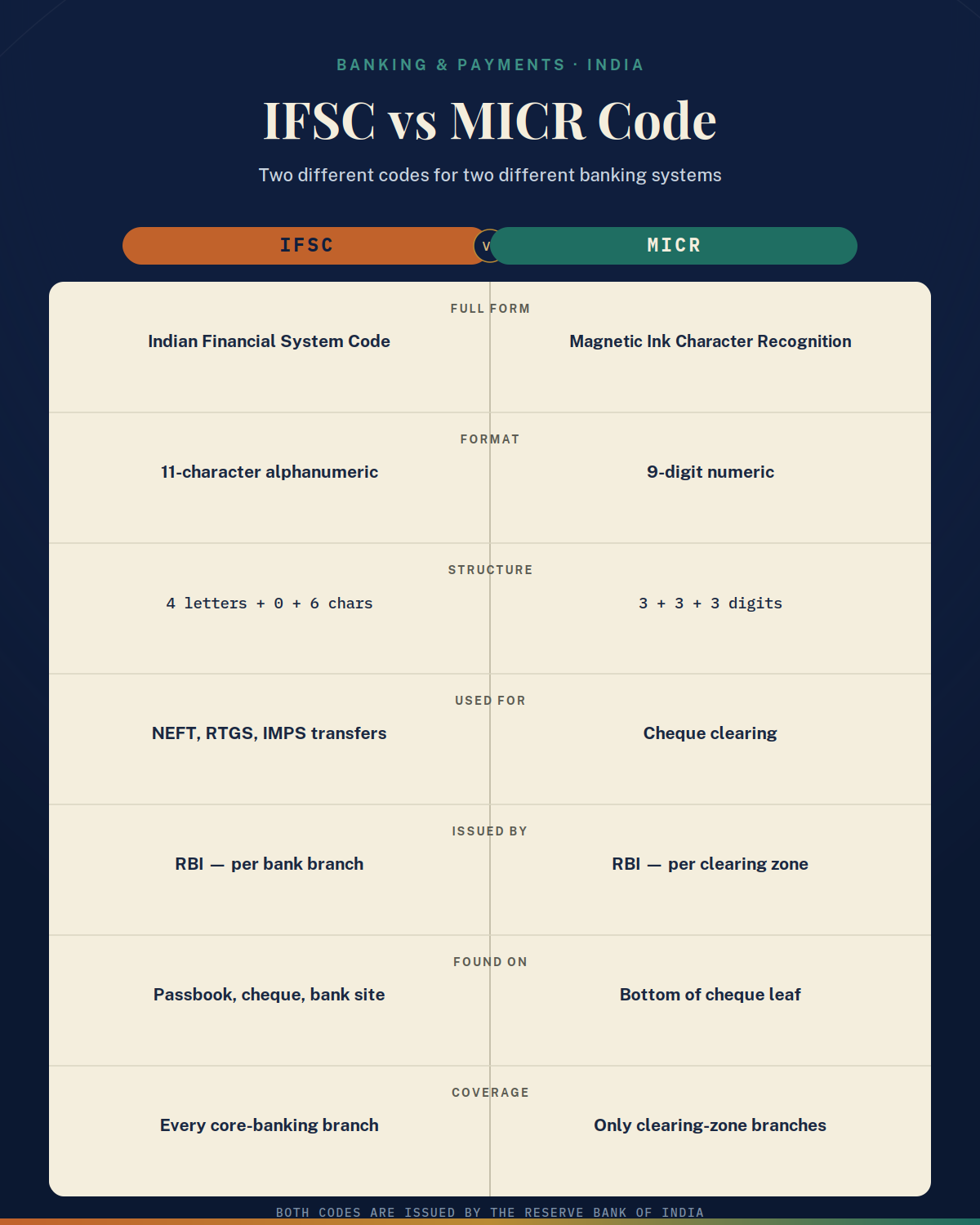
An IFSC code is an 11-character alphanumeric code that identifies a specific bank branch for electronic fund transfers. RBI's current information provides bank-wise IFSC and branch details for NEFT-enabled branches.
What Is a Branch Name in an IFSC Search?
A branch name is the name used by a bank to identify a particular branch. Large banks can have several branches in the same city, so searching only by the bank name or city may not be enough to identify the correct branch.
For example, a bank could have branches named Jubilee Hills Branch, Koka Peta Branch, and Banjara Hills Branch in Hyderabad. Although all three branches belong to the same bank and city, you should select the IFSC associated with the beneficiary's actual branch.
When searching for the IFSC code of each branch, try to collect:
- Bank name
- Exact branch name
- City
- State
- Branch address
- PIN code, if available
The more information you have, the easier it is to distinguish between branches with similar names.
How to Search the IFSC code of each branch
The easiest method is to start with the bank's official website. Many banks provide a branch locator or IFSC code search facility where you can select or enter the bank, state, city, and branch.
You can also check the RBI's published bank-wise IFSC code information. RBI currently provides consolidated and bank-wise lists of IFSC code and branch details for NEFT-enabled branches.
Follow these steps:
- Ask for the exact bank name.
- Do not rely only on an abbreviation if the full bank name is available.
- Confirm the branch name.
- Ask the beneficiary for the complete branch name.
- Confirm the city and state.
- This helps narrow down branches with similar names.
- Get the branch address if possible.
- An address is especially useful when a bank has multiple branches in the same city.
- Visit the bank's official website.
- Look for its branch locator or IFSC search facility.
- Search the RBI's published IFSC information.
- Compare the bank, branch, and location details.
- Compare the result with the beneficiary's information.
- Make sure the branch name and location match.
- Verify the IFSC before making the transfer.
- Do not guess the code from a similar branch.
RBI guidance specifically states that when both IFSC and beneficiary branch details are provided, the bank should ensure that the details match.
Example 1: Searching for an IFSC Code in Hyderabad
Suppose Arun needs the IFSC code of a beneficiary whose account is at the Madhapur Branch of a particular bank in Hyderabad.
Searching only for the bank name and "Hyderabad" could return several branches. Instead, Arjun should search using information such as:
Bank name + Madhapur Branch + Hyderabad
He then compares the search result with the beneficiary's branch details. If more than one result looks similar, he checks the branch address before selecting the IFSC.
This simple verification step can help prevent selecting the IFSC of the wrong branch.
Example 2: Two Branches With Similar Names
Imagine a fictional bank has two branches in the same town:
- ABC Bank – Main Road Branch
- ABC Bank – Main Road Extension Branch
If a customer searches only for the bank name and town, both branches may appear. The customer should therefore check the complete branch name and address supplied by the beneficiary.
The correct IFSC is the one associated with the beneficiary's actual branch.
Example 3: A Branch Has Been Merged or Renamed
Suppose Meena has an old bank document showing a branch name that no longer appears in the bank's current branch locator. She should not assume that an old IFSC is still valid.
The branch may have been:
- Merged with another branch
- Closed
- Relocated
- Renamed
- Reorganised by the bank
In this situation, Meena should contact the bank or check its current official information to determine the applicable branch and IFSC.
What If You Cannot Find the Branch?
If the branch name does not appear in an IFSC search, do not select a similar-looking branch just because it is located nearby.
Instead:
- Check whether the branch name has changed.
- Confirm the branch address with the beneficiary.
- Ask the bank whether the branch has been merged or relocated.
- Search the bank's current branch locator.
- Check the RBI's published IFSC information.
- Contact the bank if the information remains unclear.
RBI maintains bank-wise IFSC and branch information based on details furnished by participating banks, making its published information a useful official reference.
Branch IFSC vs Bank Name
It is important to understand the difference between a bank and a bank branch. A bank can operate many branches, while an IFSC is used to identify the relevant branch for electronic fund transfers.
For example, a fictional ABC Bank could have:
- ABC Bank – Vijayawada Branch
- ABC Bank – Guntur Branch
- ABC Bank – Hyderabad Branch
You should not assume that all three branches use the same IFSC. Instead, find the IFSC associated with the beneficiary's specific branch.
Why You Should Not Guess an IFSC Code
An IFSC search should be treated as a verification task, not simply a search for a code that looks similar.
If the branch name and IFSC do not match, stop and verify the information before making the transfer. RBI's NEFT guidance requires the beneficiary branch IFSC as part of the transfer details, and RBI has instructed banks to check that branch information and IFSC match when both are provided.
Summary
Searching for an IFSC code of each branch is straightforward when you know the bank, branch, city, and address. Start with the bank's official branch locator and compare the result with the beneficiary's details. You can also use RBI's published bank-wise IFSC information for verification.
Never guess an IFSC based only on a similar branch name or city. Always confirm the current bank, branch, address, and IFSC before making an important electronic transfer.
.png)