How To Search For Your Bank's IFSC Code?
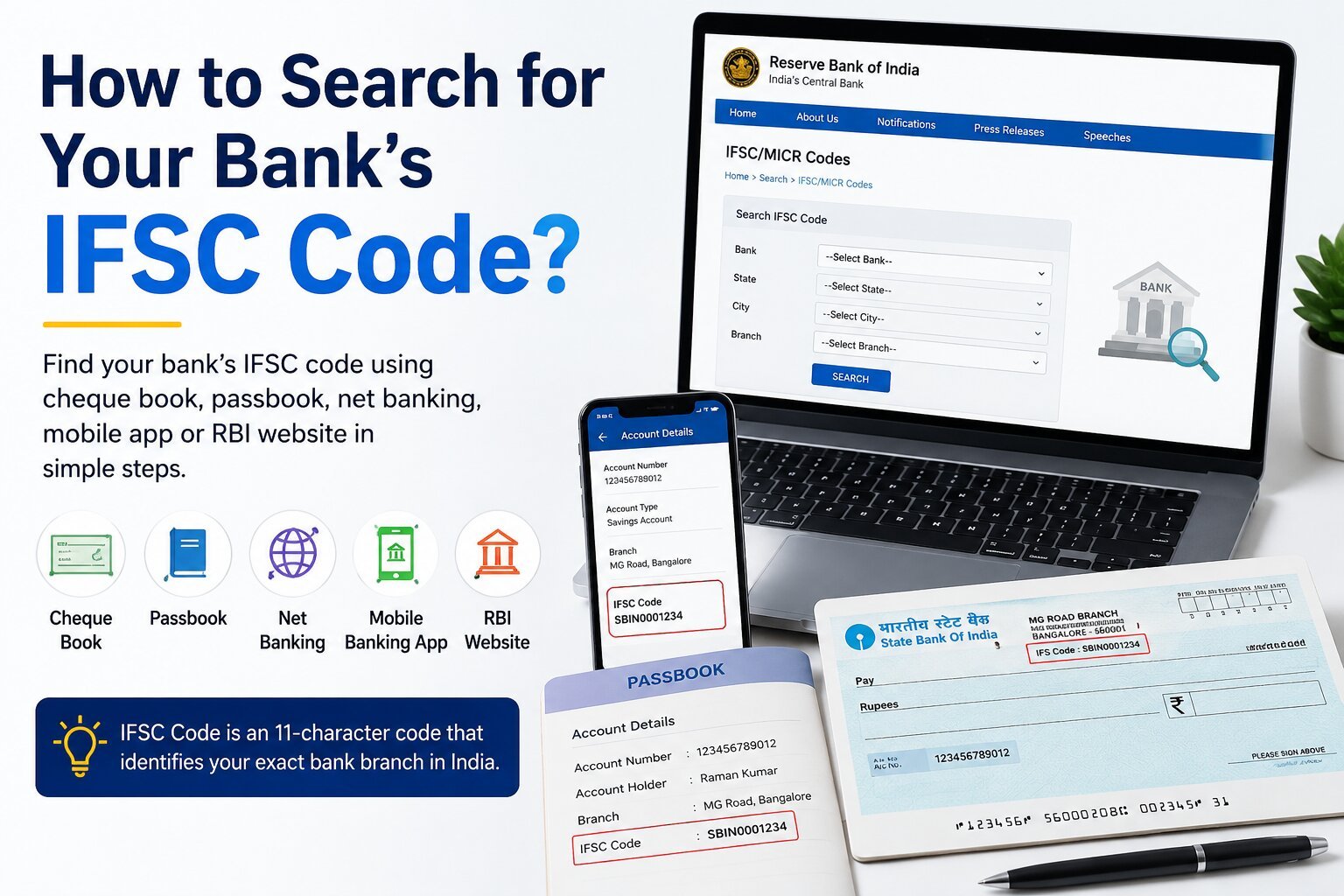
You can find your bank's IFSC code in several simple ways. The code may be printed on your cheque leaf, passbook, or bank statement. You can also find it by logging in to your bank's internet banking service or mobile banking application. Many banks provide an IFSC search facility on their official websites. You can also check the Reserve Bank of India's published IFSC information when you need to verify a bank branch.
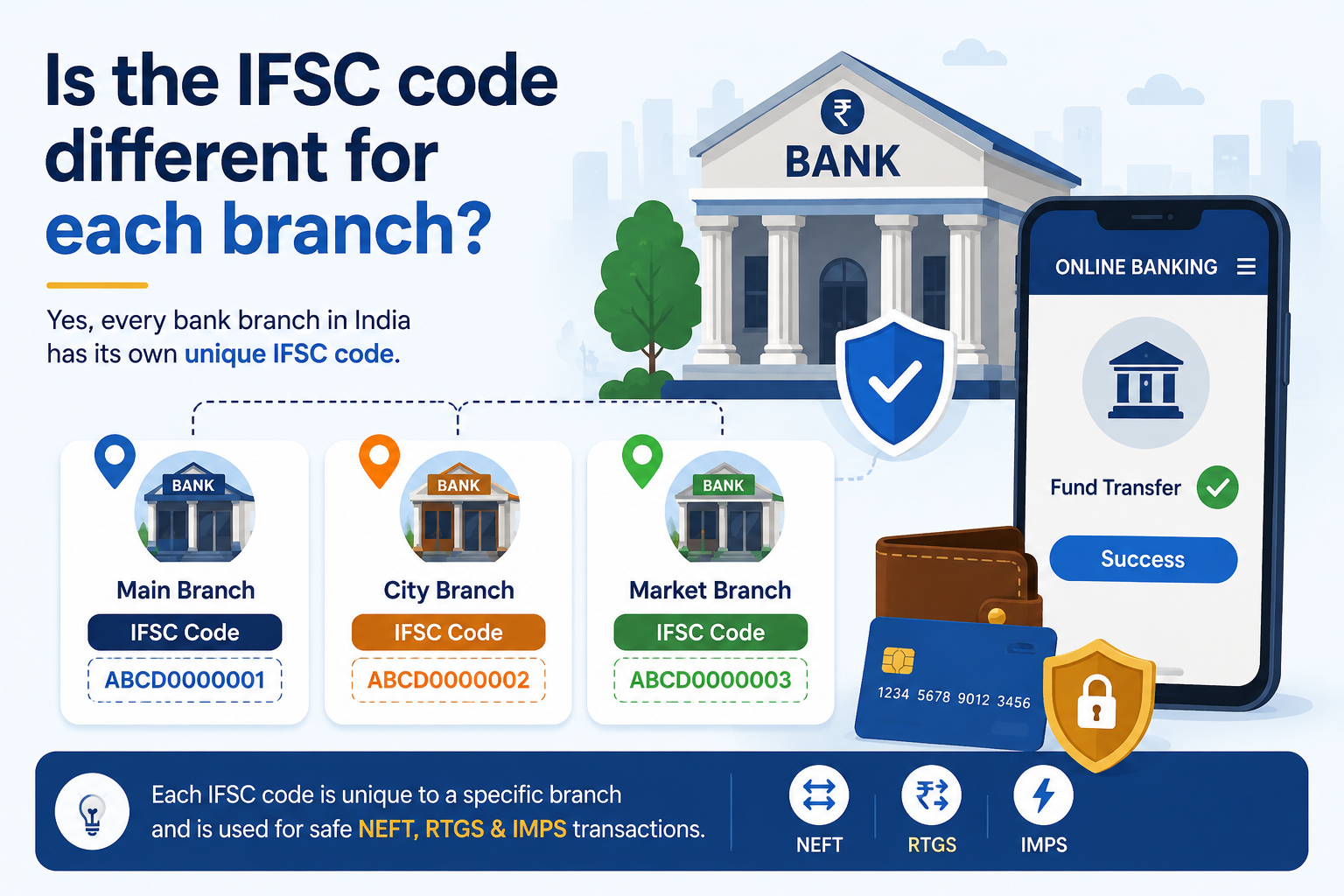
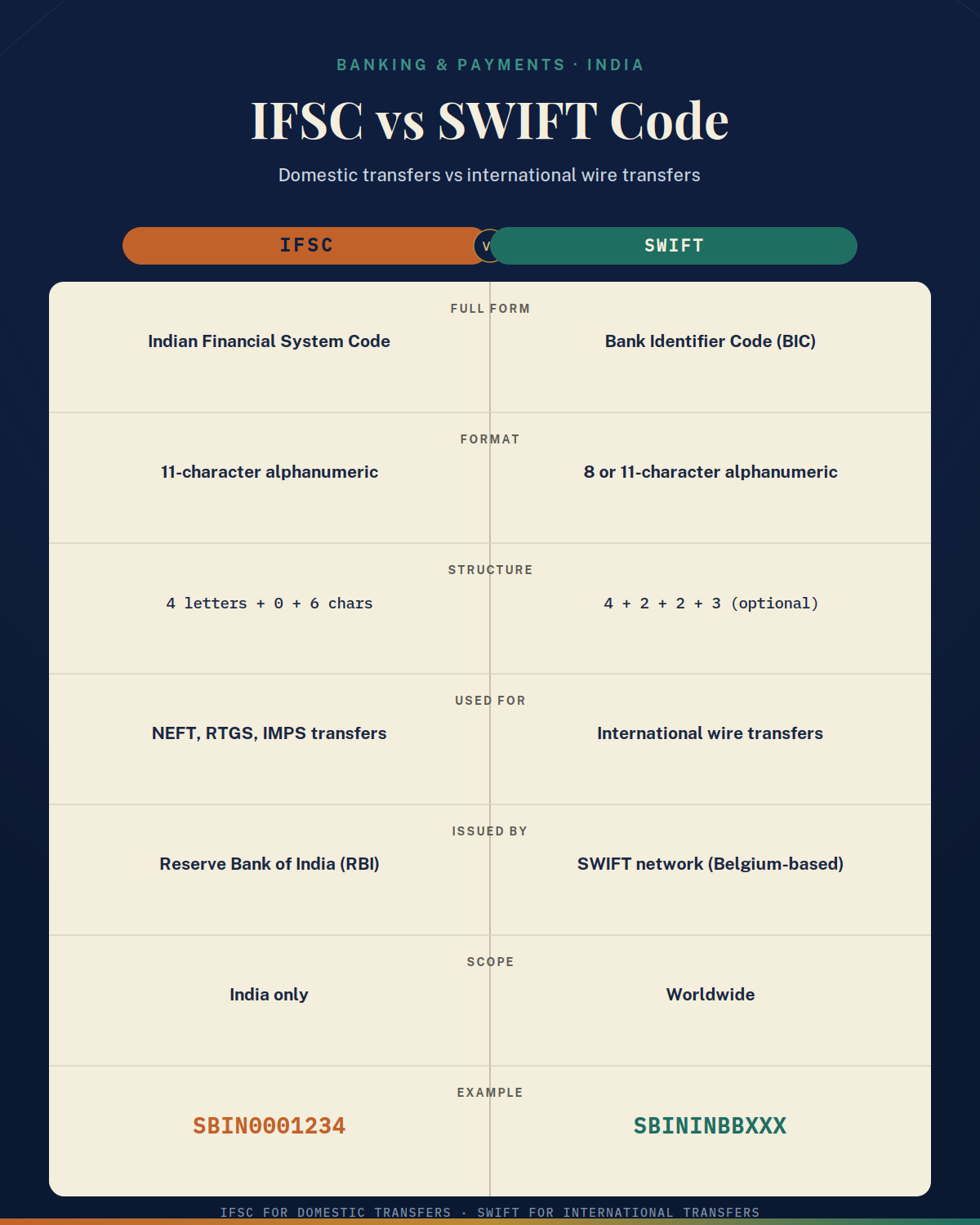
The IFSC code, or Indian Financial System Code, is an 11-character alphanumeric code used to identify a specific bank branch for electronic fund transfers. It is commonly used for transactions such as NEFT and RTGS. Because the IFSC identifies a particular branch, you should not assume that the IFSC of one branch is suitable for another branch of the same bank.
What Does an IFSC Code Mean?
An IFSC code contains 11 characters. The first four characters identify the bank, the fifth character is always 0 (zero), and the final six characters identify the particular branch.
For example, ABCD0123456 can be used as a hypothetical IFSC to understand the format. In this example, "ABCD" represents the bank identifier, "0" is the fifth character, and "123456" represents the branch identifier.
The basic structure can be understood as follows:
- First 4 characters: Bank identifier
- 5th character: Always 0 (zero)
- Last 6 characters: Branch identifier
- Total length: 11 characters
An IFSC code is made up of letters and numbers. It should not contain spaces or special symbols.
Where Can You Find Your IFSC Code?
Your IFSC code may be available in several places. The easiest option is often your cheque book or passbook because these documents contain account and branch information provided by your bank.
You can check the following sources:
- Cheque book: Look for the IFSC printed on the cheque leaf along with the bank and branch information.
- Passbook: Check the account details or first page of your passbook.
- Bank statement: Look in the account or branch details section.
- Mobile banking: Open your bank's official app and check your account details.
- Internet banking: Log in through the bank's official website and view your account information.
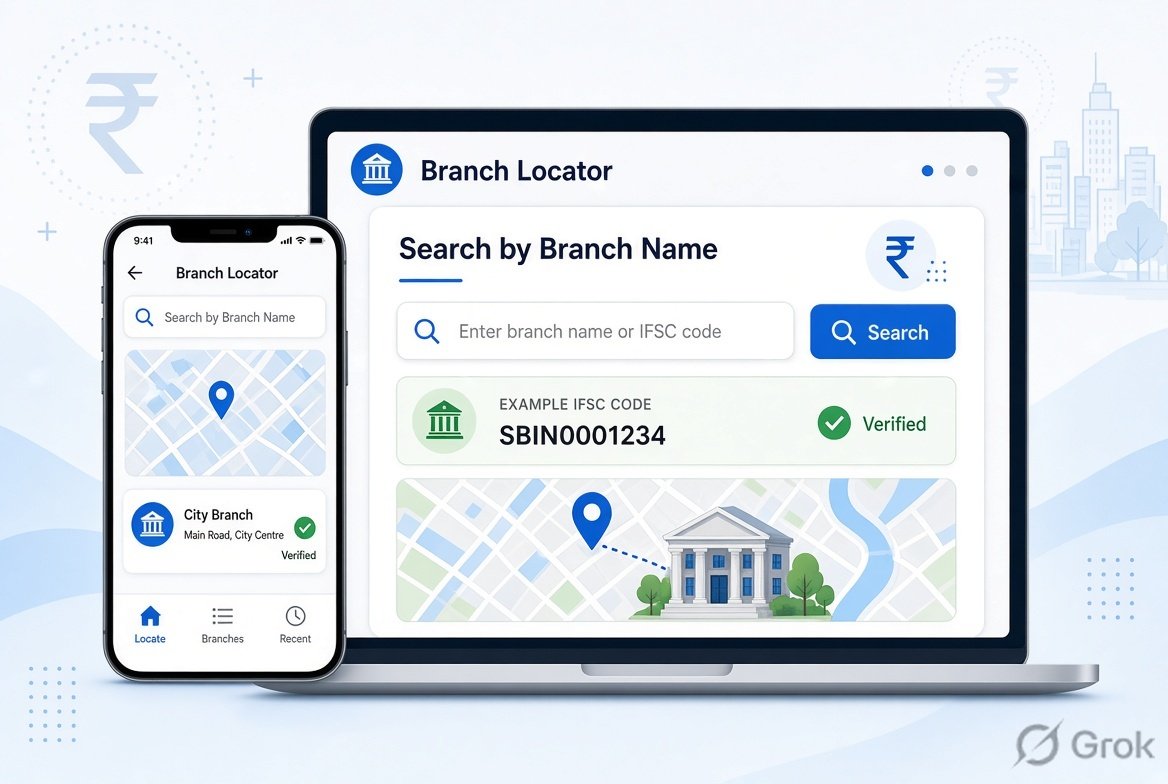
- Bank website: Use the bank's official branch locator or IFSC search facility.
- RBI information: Check the RBI's published banking information for additional verification.
- Bank branch: Contact your bank if you cannot find the IFSC through other methods.
Real-Life Examples
Example 1: Finding an IFSC code in a passbook
Priyadharshini has a savings account with a bank in Pune and needs to provide her IFSC code to receive a bank transfer. She checks the account-details section of her passbook and finds the branch information and IFSC. Before sharing the code, she confirms that the bank and branch details match her account.
Example 2: Finding an IFSC code using mobile banking
Virat has misplaced his passbook but has access to his bank's official mobile application. He logs in securely, selects his bank account, and opens the account-details section. The application displays information such as his account number, branch and IFSC code. He checks the details before using the code for a transfer.
Example 3: Finding an IFSC code on a cheque
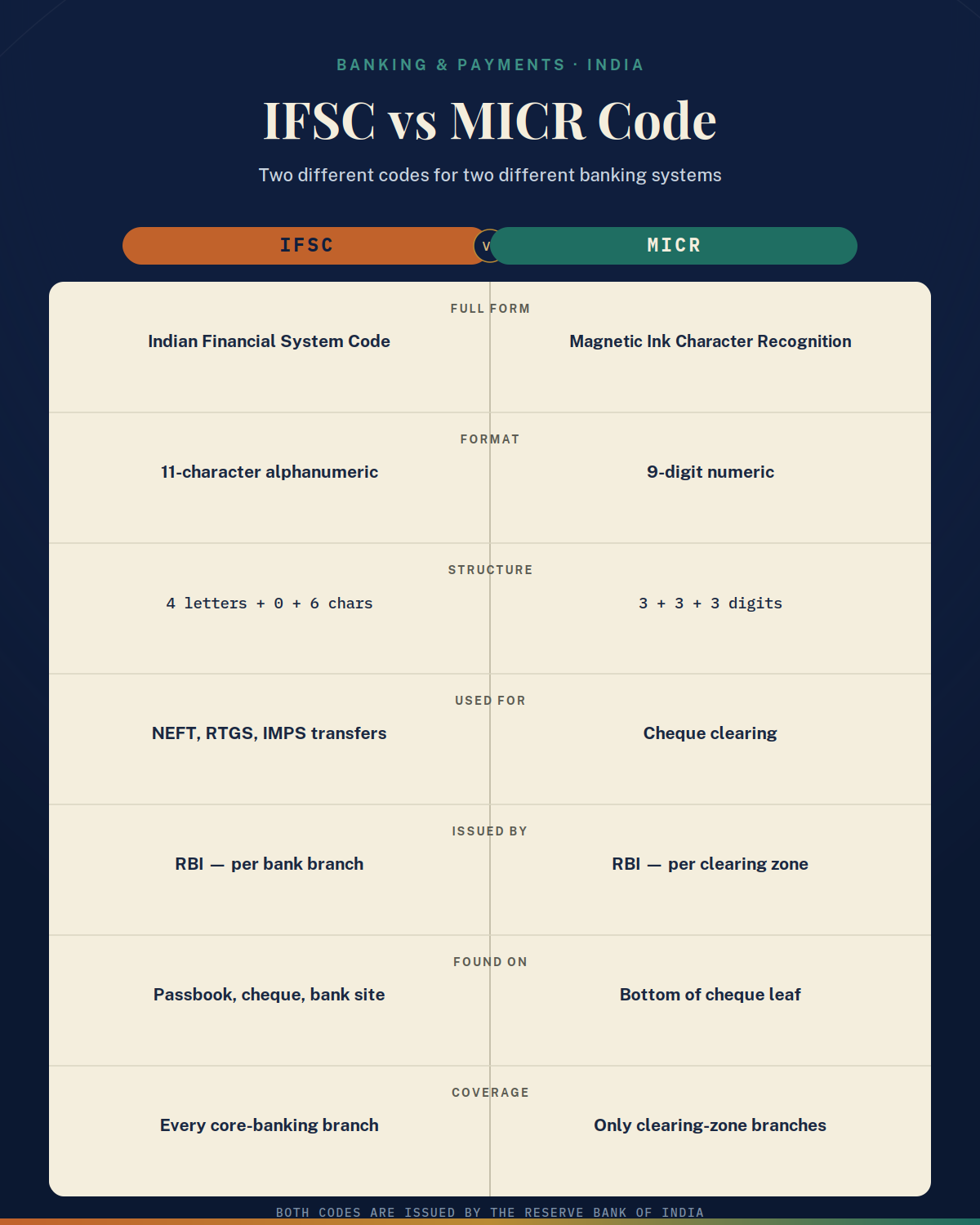
Manjula needs to provide her bank details for an NEFT transfer. She checks her cheque leaf and looks for the IFSC printed with the bank and branch details. She makes sure she identifies the IFSC rather than the MICR code because the two codes serve different purposes.
How to Find Your IFSC Code Step by Step
Finding an IFSC code usually takes only a few minutes. Start with documents that you already have, such as your cheque book, passbook, or bank statement. If you do not have these documents available, use your bank's official mobile application or internet banking service.
Follow these steps:
- Check your cheque book for the IFSC.
- If you do not have a cheque book, check your passbook.
- Look at your latest bank statement.
- Open your bank's official mobile banking application.
- Check your account information through internet banking.
- Visit the bank's official website and use its branch locator or IFSC search.
- If necessary, verify the information through RBI's published IFSC information.
- Before making a transfer, confirm that the bank, branch, IFSC and account number are correct.
What Should You Check Before Using an IFSC Code?
Finding an IFSC code is only the first step. You should also verify that the code belongs to the intended bank branch.
Pay particular attention to the bank name, branch name, city and branch address. If the information comes from an old cheque, passbook or document, verify that the branch details are still current. Banks can change branch arrangements because of mergers, relocation, closure or restructuring.
You should also avoid confusing an IFSC code with a MICR code. Both may appear on a cheque, but they are different banking identifiers and serve different purposes.
Common Mistakes to Avoid
- Using an old IFSC without checking whether the branch information is current.
- Confusing the IFSC code with the MICR code.
- Copying an IFSC from an unofficial or outdated website without verification.
- Selecting an IFSC belonging to a different branch of the same bank.
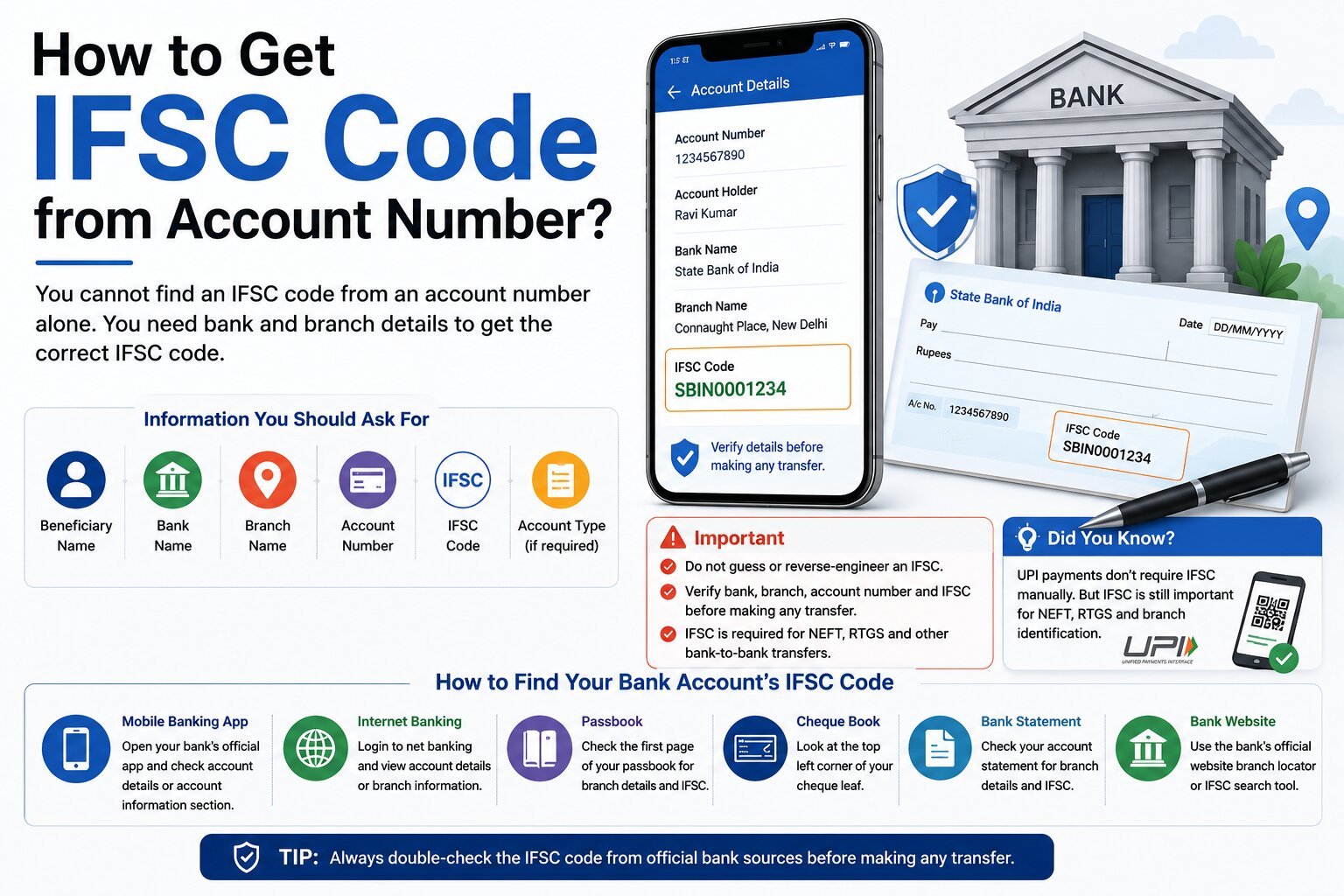
- Assuming that an account number alone can be used to determine the IFSC.
- Ignoring a mismatch between the IFSC and branch address.
Important Note:
Always verify the IFSC code through your bank, the bank's official website or app, or reliable RBI information before making an important bank transfer. Never share your OTP, UPI PIN, ATM PIN, internet banking password or card CVV with anyone claiming to help you find or verify an IFSC code.
.png)